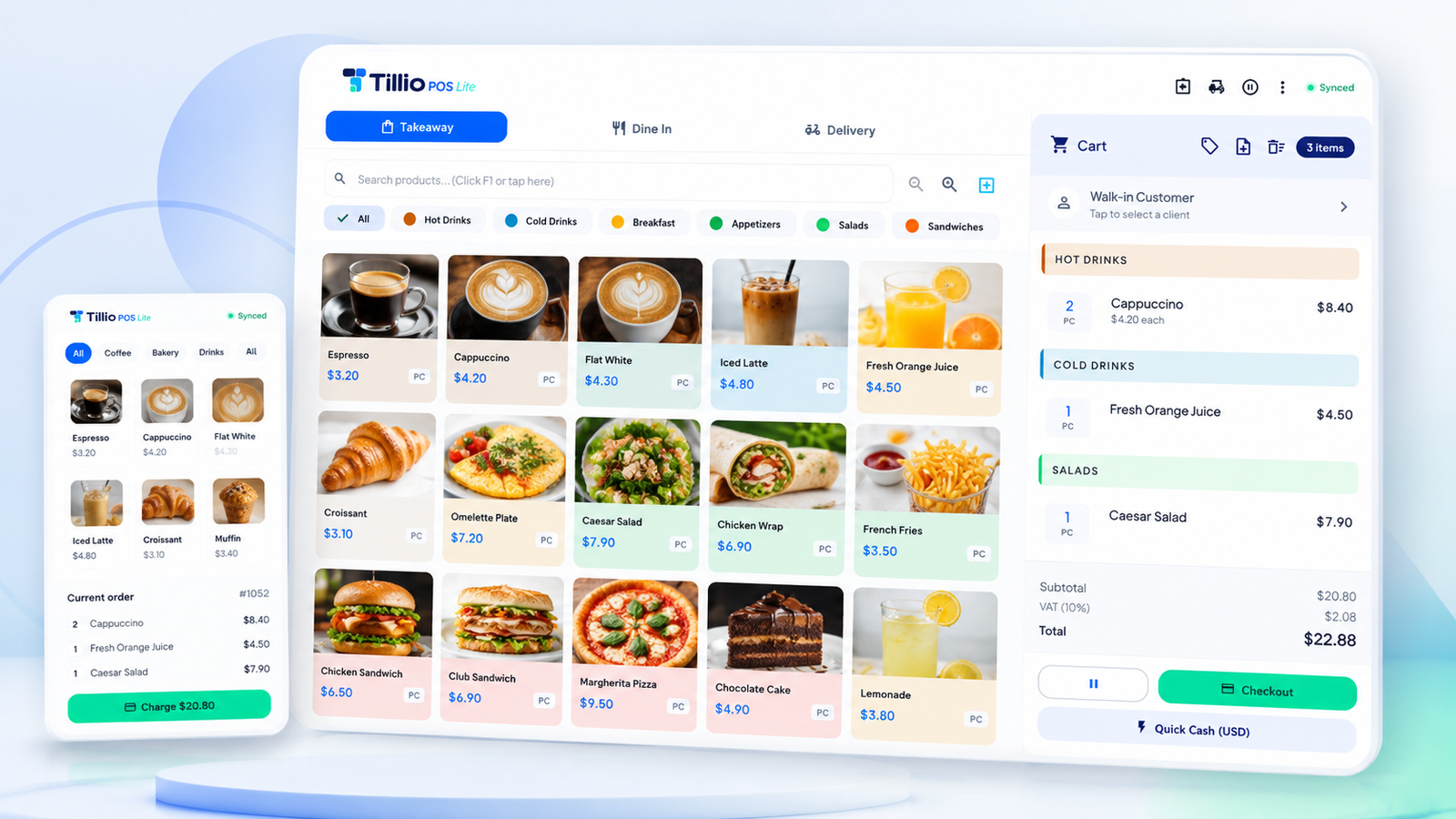
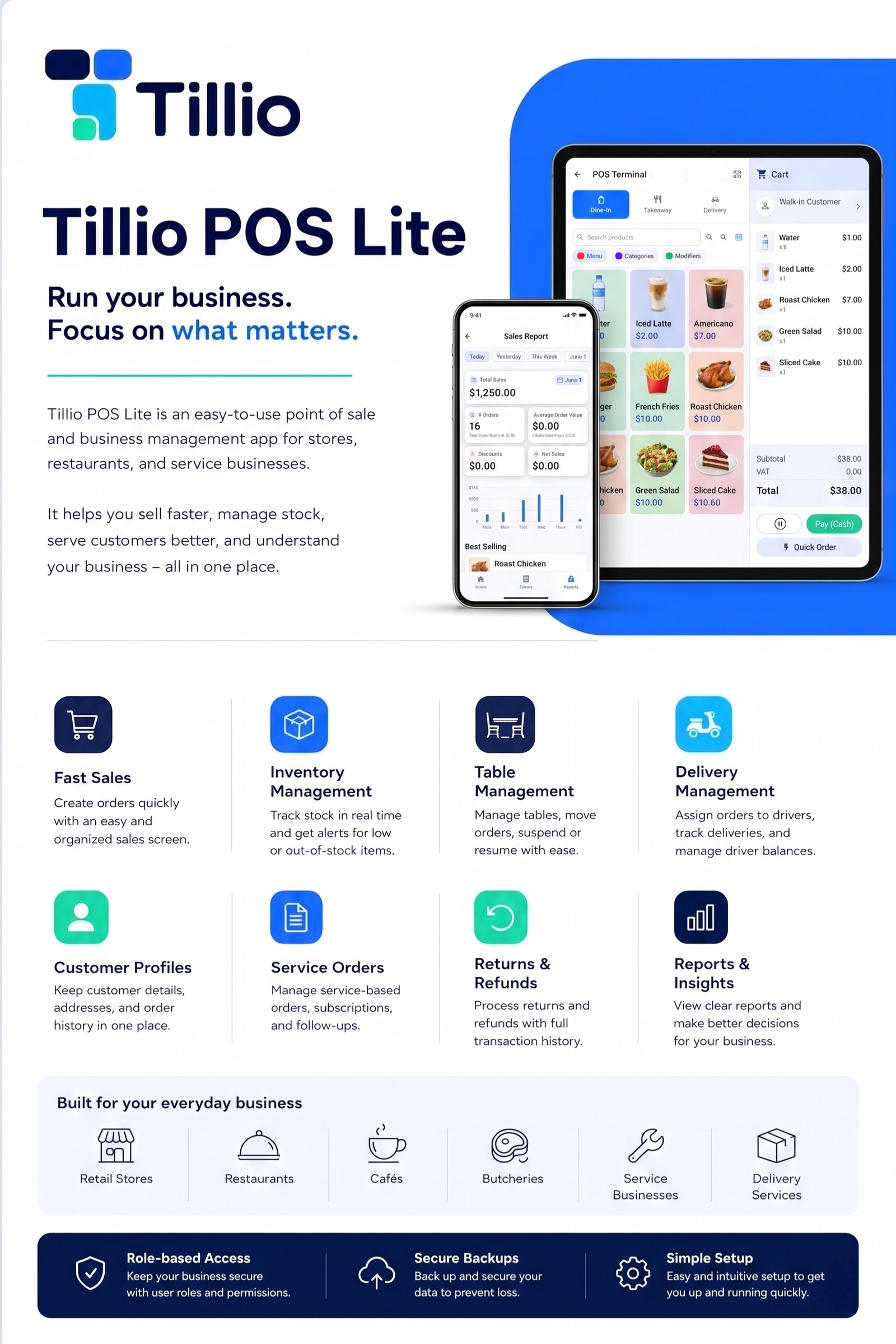
A complete point of sale and business app for shops, restaurants, cafés and service businesses. Sell faster, manage stock, run tables and deliveries, serve customers — and understand your numbers, all in one place.
POS Lite is more than a register. Sell, manage stock, run tables and deliveries, look after customers and read your numbers — without juggling five different apps.
Fast sales
Ring up dine-in, takeaway and delivery orders on one fast, organized sales screen.
Inventory
Track stock in real time, sell by unit or by weight, and get low- and out-of-stock alerts.
Tables & dine-in
Manage tables and zones, seat guests, and move or transfer orders with a drag-to-arrange floor plan.
Delivery & drivers
Assign orders to drivers, track deliveries and settle driver balances at the end of the day.
Customer profiles
Keep client details, multiple contacts and addresses, and full order history in one place.
Service orders
Handle service-based orders, subscriptions and renewals, with follow-up reminders before they expire.
Returns & refunds
Void or refund items with a reason and full history — return the stock to shelf or write it off.
Reports & insights
A live Overview dashboard plus staff, dine-in, customer and end-of-day reports to guide decisions.
A register tuned for speed and built for real counters — touch, keyboard or barcode scanner, your call. Switch between dine-in, takeaway and delivery without missing a beat.
Dine-in, takeaway & delivery
One screen, three modes. Send items straight to the kitchen with Fire to Kitchen and reprint tickets anytime.
Barcode & scale ready
Scan with a USB, Bluetooth or camera scanner — with a beep and buzz to confirm — and sell loose items by weight.
Hold, recall & flexible payment
Suspend an order and pick it back up, take cash, card, wallet or transfer, and apply item or order discounts.
Dine-in
Takeaway
Delivery
Table 7 · 2 guests #1042
1Grilled ChickenNo sauce · Fired ✓$12.00
2Fresh Orange Juice$7.00
1Caesar Salad$5.60
Total · incl. VAT$24.60
CashCardWallet
Automatic online backup
Your shop's memory, safe in the cloud.
Every sale, product and setting is backed up automatically. Lose a device, get a new one, sign in — and everything is exactly where you left it.
Continuous sync
Backups happen quietly in the background the moment you have a connection.
Encrypted & private
Your data is encrypted in transit and at rest. It's your business — only you can see it.
Restore in one tap
Roll back to any point or move to a new device without losing a single receipt.
Register → encrypted backup → Tillio Cloud Last backup: just now
Reports & insights
Know your numbers from anywhere.
A reimagined Reports hub opens on an Overview dashboard with the headline figures for any period — each compared to the period before, with an alerts strip for what needs attention.
Overview at a glance
Sales, orders and averages for the day, week or any range — every figure up or down against the last period.
Reports that fit your business
Cash & End-of-Day, staff performance, dine-in and customer reports — with best sellers and ranking bars.
Export & print
Send any report to PDF or your receipt printer — branded and with full Arabic support — straight from the toolbar.
This weekLive
Revenue$18.4k
Orders962
vs last wk+14%
Daily sales
Product sheet
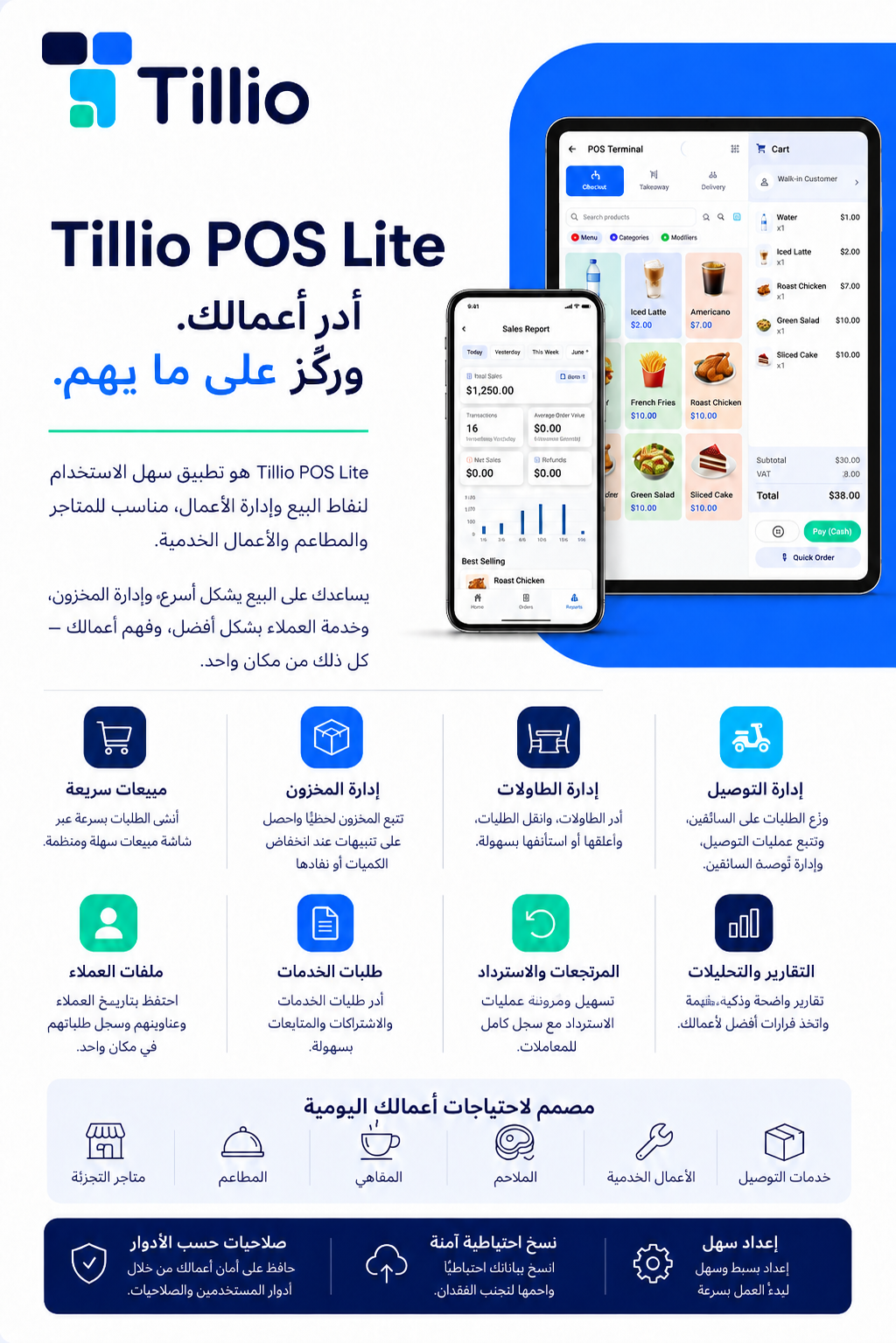
Share the full picture.
The POS Lite overview, ready to print or share with your team. Available in English and Arabic.
Every release, in plain language. We ship improvements often — your license includes them all.
New
A reimagined Reports hub — a new Overview dashboard opens with the headline figures for the period you pick, each compared against the previous period, plus an alerts strip that surfaces what needs attention.
New
Four new reports — Cash & End-of-Day, Staff performance, Dine-in and Customers — in a denser, easier-to-scan layout with sparklines and ranking bars.
New
Export any report to PDF or print it to a receipt printer — branded and with full Arabic support — straight from the report toolbar.
New
Save multiple phone numbers and emails per customer, each with its own label (Mobile, Home, Work, Personal or Other) and one marked as primary.
New
Barcode scans now give instant feedback — a sound and a vibration confirm a successful scan or signal one that didn't match. Toggle each in Settings → Modules.
Improved
The cart's line-item "Item Note" is now called "Remark", and still prints clearly on receipts and kitchen tickets.
Improved
A fresh, refined app icon across every platform, and a smoother first-time setup on phones.
New
Quick Cash speed controls — optionally skip the confirmation prompt and on-screen receipt preview to complete a sale in a single tap (Settings → Quick Cash).
New
Organize your dine-in area into colour-coded zones like Main Hall, Terrace or VIP, assign each table to one, and switch between a zone-filtered list and a drag-to-arrange floor plan.
New
Record how many guests are seated at each dine-in table, alongside the table's capacity.
New
New permission & security settings — let cashiers process refunds, and enable a manager/admin PIN for added protection.
Improved
Refreshed, more consistent Settings, and a slimmer order-mode bar that hides entirely when only one mode is enabled.
Improved
Redesigned Backup & Restore screen, and every dialog is now fully responsive — full-screen on phones, a centered card on tablet and desktop.
Fixed
Cart labels like "Fire to Kitchen" and "Checkout" now fit on one line, and the Services title is no longer cut off on phones.
Improved
POS, checkout, reports, sales history, inventory, settings and dialogs now adapt cleanly to phone, tablet and desktop, with cramped layouts and overflow issues fixed.
Improved
Roomier cart — it now opens as a full-height sheet that's much easier to use on mobile.
Improved
Smoother forms & dialogs — product and service forms reflow, Add Category is now full-screen, and the PIN dialog no longer hides behind the keyboard.
Improved
Polished branding — the logo stays crisp in dark mode and the POS top bar is cleaner.
New
Add products to the cart by scanning with a USB/Bluetooth scanner or your camera.
New
Scan or type a product's barcode while adding it in Inventory.
Improved
Turn barcode scanning on or off anytime in Settings → Modules (off by default).
Fixed
Fixed an issue that could prevent data export on Android.
Download
Get POS Lite on your counter.
Pick your platform and install in minutes. Your 1-month free trial starts the first time you open the app — no card needed.